The photo party game: which year was it?
Put photos on a timeline, guess whose photo it is and play on one phone or online in a private room.


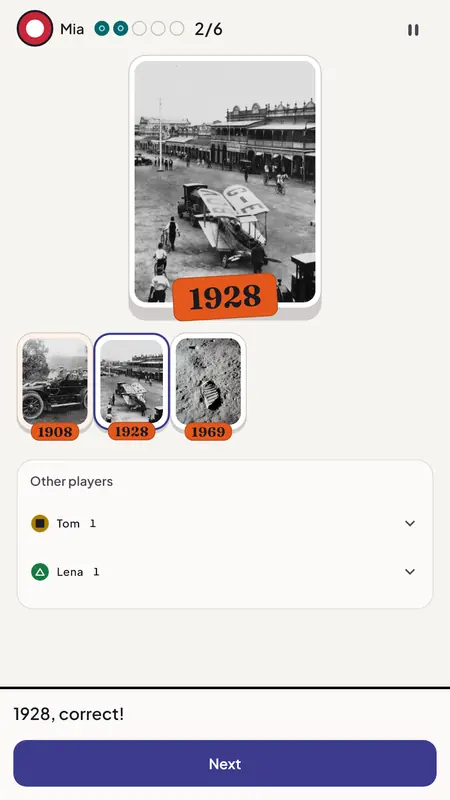
TimelinePlace each photo where you think it belongs. Then the year is revealed. 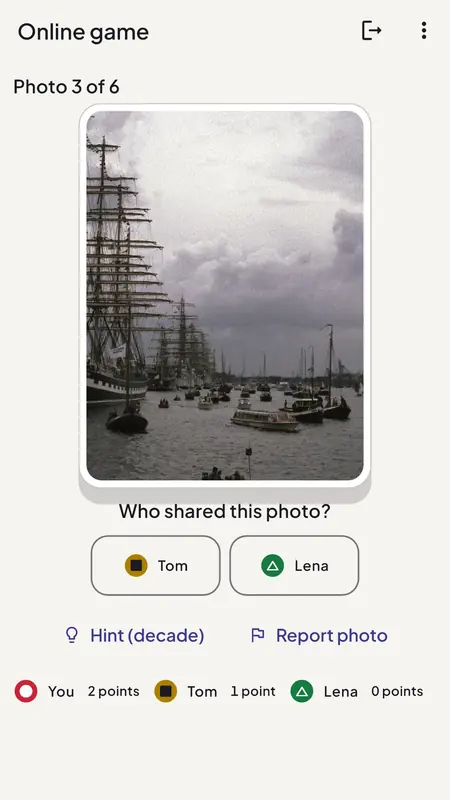
Whose photo?Everyone shares a few photos. Guess who brought which one, then the year. 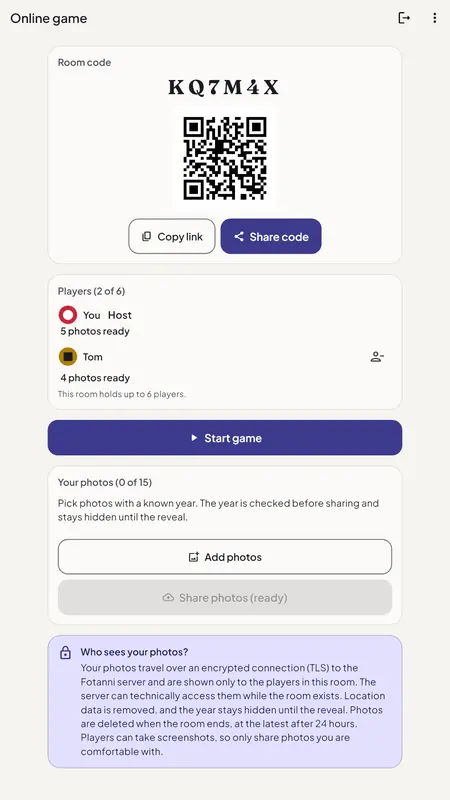
Online roomOpen a private room and send the code or link. Friends join on their own phones.
How to play
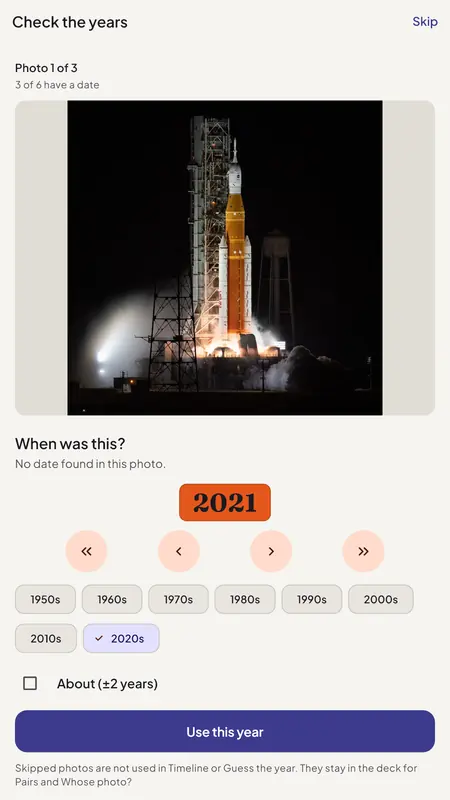
Pick the photos
Start with about 60 historic photos from the starter deck, each with a documented year, or add your own. If a photo has no date, you set the year yourself.
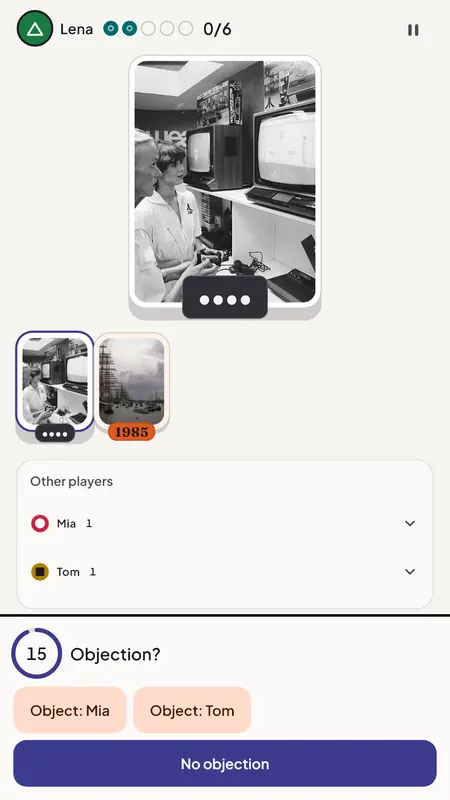
Place and object
Put each photo where you think it belongs on your timeline. Think someone got it wrong? Object for one chip. Know the exact year? Call it and win a bonus chip.
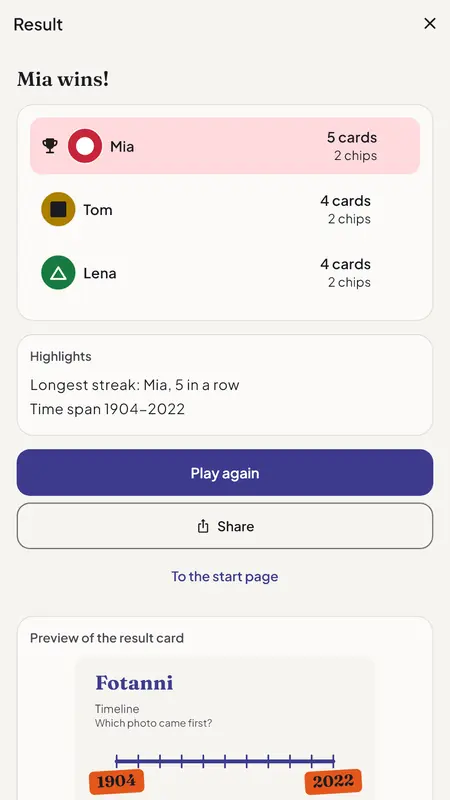
Reveal and share
The year shows who was right. At the end you see who won and can share a result card without any of your photos.
Your photos stay private
- Decks, photos and game progress are stored encrypted on your device.
- The capture year is read on your device; location data (GPS) is never read.
- In online rooms only the players who joined can see the photos. The transfer is encrypted with TLS.
- When a room ends, access is withdrawn at once and the photo files are deleted after 24 hours at the latest (up to 7 days in Pairs rooms with an uploaded deck).
- No ads, no push notifications, no public gallery.
Questions and answers
Do I need an account?
Playing locally needs no account. To host an online room you sign in with Apple or Google; players can join as guests without an account.
How many people can play?
Timeline runs locally with 1 to 6 players and online in private rooms with 2 to 6. Whose photo? needs at least 3 players online.
Do I need photos of my own?
No. The starter deck has royalty-free photos with a documented year, so you can start right away.
How does Fotanni know the year of my photos?
It reads the capture year from the image data (or the file name) on your device and you can change a year in the deck. Location data (GPS) is never read.
How do I invite others?
Open a private room and share its code or link; the lobby also shows a QR code. Others enter the code under “Join a room” or open the link.
Are there other games?
Yes, Pairs: a quick bonus round. Flip cards and find the ones that show the same photo.
Is there a subscription?
No. Fotanni Pro is a one-time purchase without a subscription that unlocks more decks, more photos and larger online rounds. Purchases are only possible via “For parents”.
Who is Fotanni for?
For friends and family aged 12 and over. There are no ads and no public gallery.

Get Fotanni
On your phone, for the next game night. For friends and family aged 12 and over.